Accounts Payable Automation with Continia Document Capture

Accounts Payable Automation with Continia Document Capture

Continia Document Capture is an accounts payable automation solution built directly into Microsoft Dynamics 365 Business Central. It manages incoming invoices and business documents from initial capture through to registration, approval, posting and digital archiving.

Using OCR and automated workflows, Document Capture extracts information from incoming documents and transfers it into Business Central, reducing manual data entry throughout accounts payable while maintaining a clear record of each document from receipt through to final bookkeeping.

Automate incoming document processing

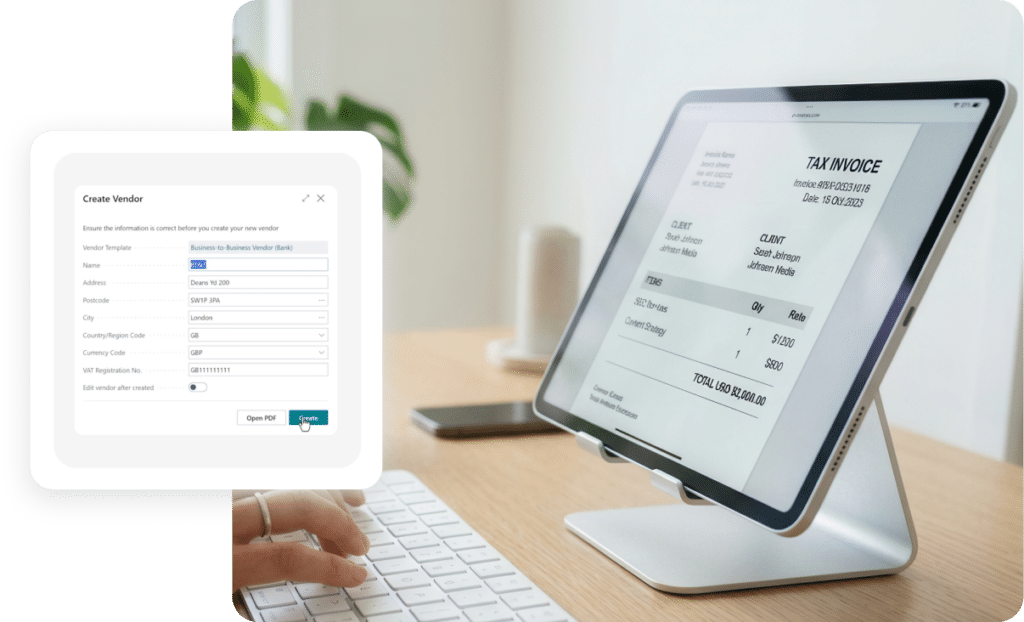
Incoming invoices and other business documents can be automatically imported, scanned and registered within Business Central. OCR technology identifies information such as invoice numbers, dates, amounts and other relevant fields, transferring the captured data into the appropriate records.

Configurable document templates and validation rules allow the process to accommodate different vendors and document formats while reducing the need to manually enter invoice information.

Manage invoice approvals

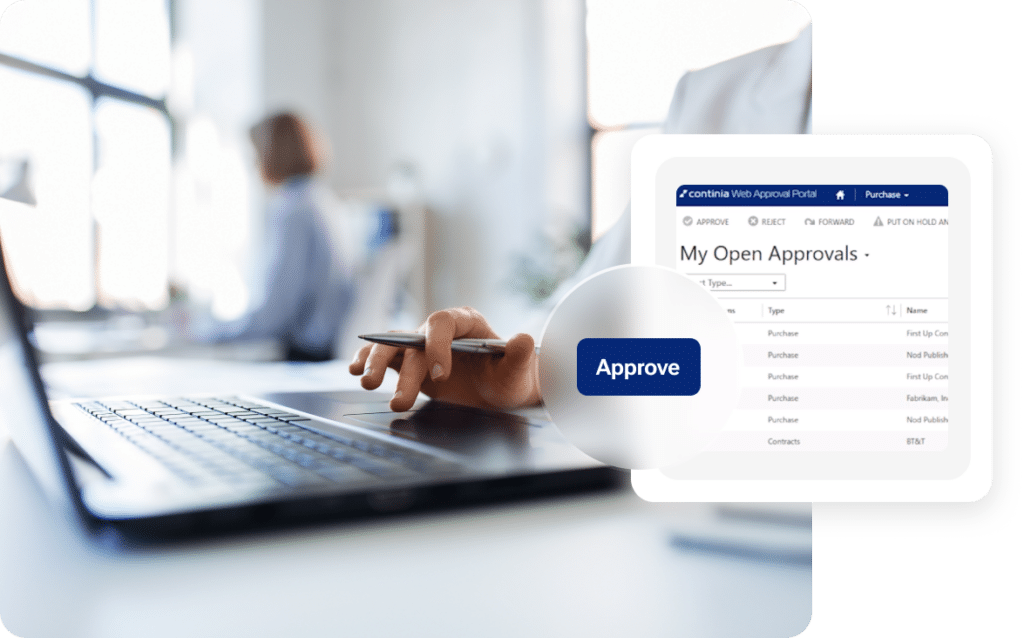
Once an invoice has been captured, Document Capture can automatically route it through predefined approval workflows based on your organisation’s requirements. Approvers can review, approve, reject or forward documents directly within Business Central or through the Web Approval Portal.

Approval hierarchies can also be configured around criteria such as document values, dimensions and individual lines, providing greater control over how invoices progress through accounts payable.

Maintain a complete document history

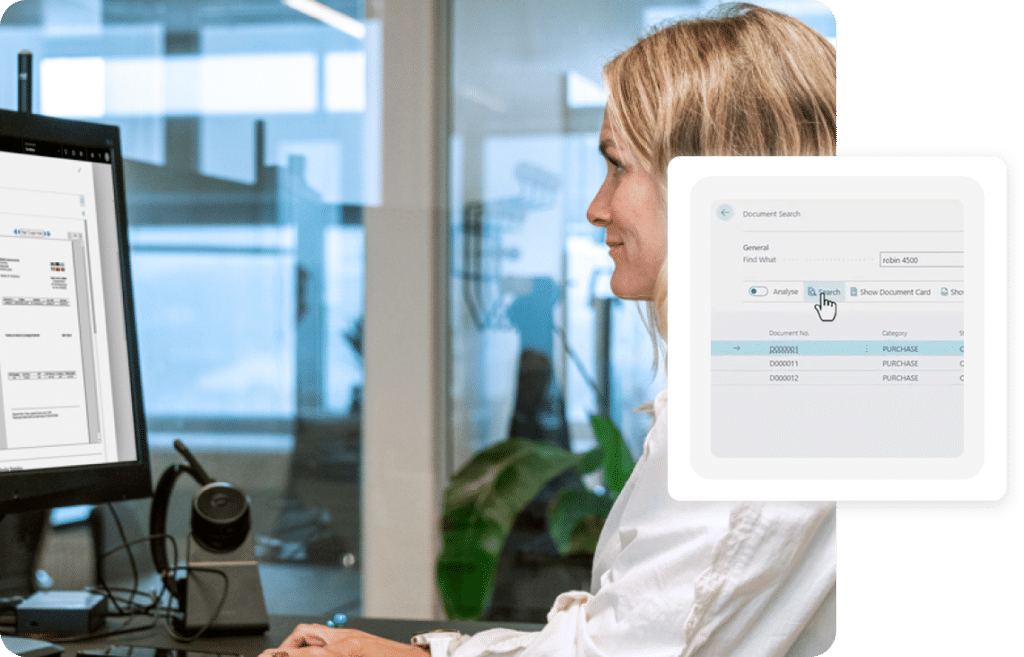
Document Capture maintains the original document alongside its associated Business Central records, providing traceability throughout the document lifecycle. Once processed, documents can be securely archived and indexed for future reference. Full-text search allows users to locate documents using information captured during recognition, while logged activity provides a record from initial receipt through approval and final posting.

Find documents quickly

Rather than relying on paper files or manually organised folders, employees can search archived documents using indexed information captured from the original document. Invoices and supporting records remain accessible from Business Central, including from relevant posted and unposted entries.

This provides finance teams with a central location for retrieving historical documentation when completing reconciliations, investigating transactions or responding to information requests.

Support audit requirements

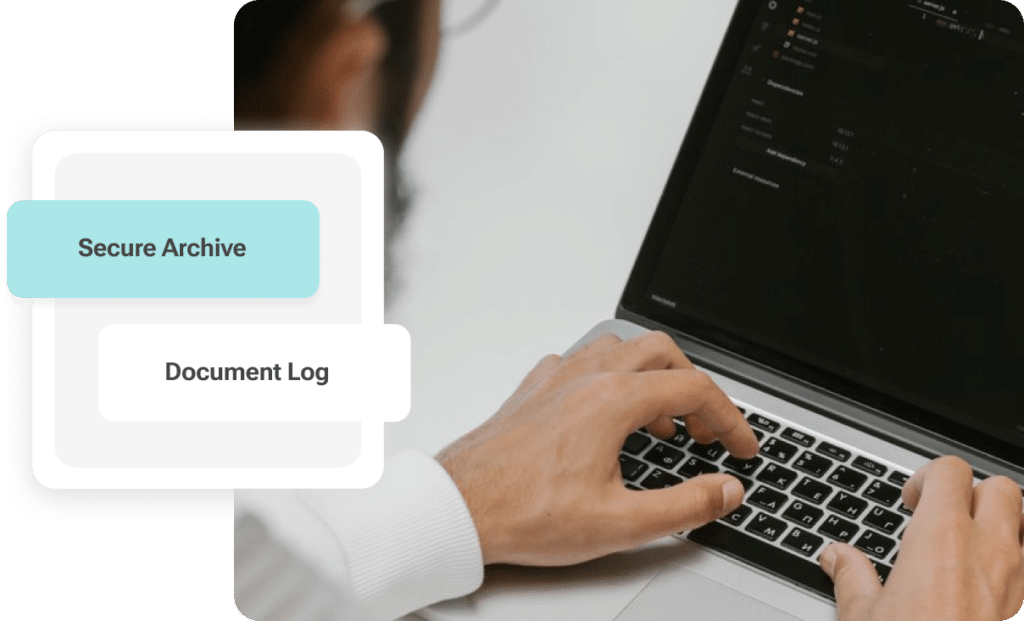
Secure Archive preserves bookkeeping documents in their original form while recording interactions throughout the document lifecycle. This provides a traceable history from receipt through to final posting and helps maintain supporting documentation for financial reviews and audit requirements.

By keeping invoices, approval activity and associated records together, finance teams can retrieve the information required to review how individual transactions were processed.

Take your business to the next level

Fenwick is a leading implementer of Dynamics 365 in Australia. Get in touch to speak with our knowledgeable consultants and discover how we can help optimise your business.

What can we help you find?